Cut length
28 in
Type
Rotary, self-sharpening, cuts both directions
Capacity
20 sheets (office paper)
Clamp
Automatic
Guide
Dual-barrel guide bar
Base
Metal
Pros
- 28 in covers 18 x 24 and 13 x 19 long sides
- Rotary blade does not crush or tear rag paper
- Automatic clamp keeps cuts square
- Blade is fully encased
Cons
- Takes real table space
- Not for mat board (use a mat cutter)
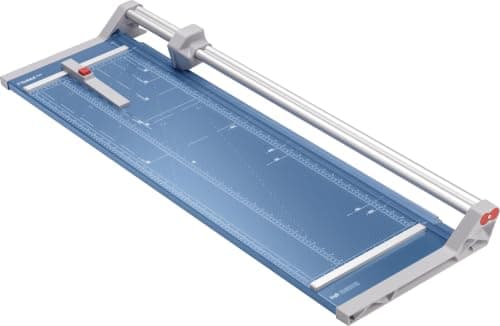
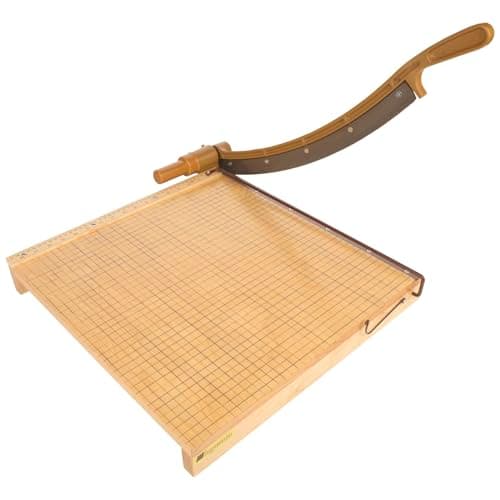
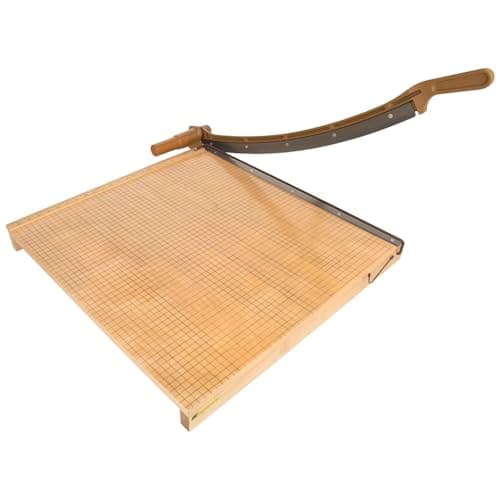
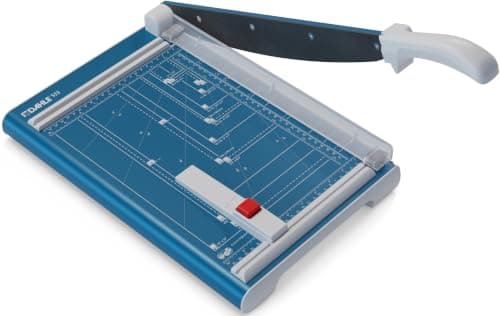
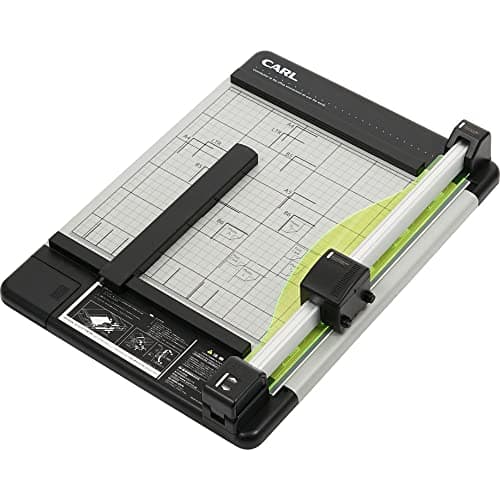
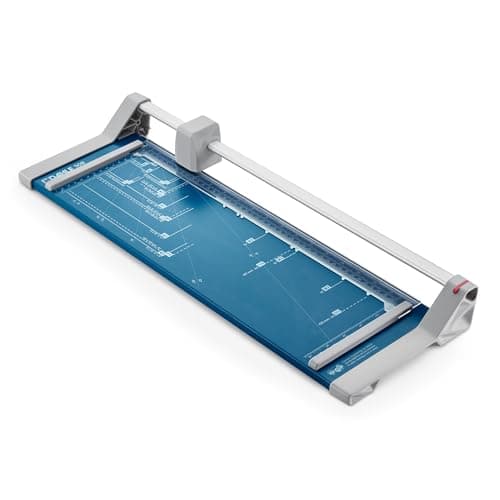
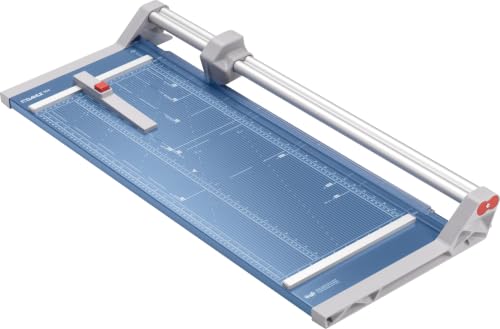
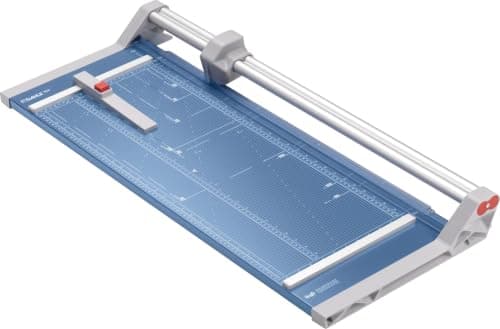
A rotary trimmer is the right tool for prints because the blade rolls through the sheet instead of shearing it. On soft cotton rag papers and coated inkjet papers, that means no crushed edge and no fibers dragged out of the cut. The Dahle 554's blade housing rides a dual-barrel guide bar, which keeps the line straight across the full 28 inches, and the automatic clamp drops as the head moves so the sheet cannot shift mid-cut.
Size is the whole decision with trimmers. Buy for the longest edge you will ever cut, not the one you cut today. A 13 x 19 print from a 13-inch printer needs at least 19 inches, and the day you add 18 x 24 you need 24. The 554 covers both, which is why it is the pick over the smaller 552.
Our Pick
The trimmer we would put in a studio that sells prints. A 28-inch cut covers the long side of 13 x 19, 18 x 24 and 11 x 17 sheets, the self-sharpening rotary blade cuts in both directions without tearing fine art paper, and the automatic clamp stops the sheet from creeping. About $228 at the time of writing.
Buy it if you print at 13 x 19 or larger, trim borders off giclee prints, or cut down full sheets of printmaking paper. It is the size that covers almost every print format artists sell.
What we don't like
Needs about three feet of table. The 20-sheet rating is for 20 lb office paper; with heavy fine art stock you cut one or two sheets at a time, which is how you should cut prints anyway.