Austin Gallery
Studio & ToolsOctober 17, 2026Updated October 17, 202611 min read

The Best Laminators for Stickers (2026): Cold Laminators, Overlaminate Sheets and Pouches

Laminate printable vinyl cold, not hot. Our picks for overlaminate sheets in gloss, matte and holographic, a laminator with a cold mode, and the print, laminate, cut workflow with real cost per sheet math.

By · How we research

★ Our Top Pick

Fellowes Saturn 3i 95 Thermal and Cold Laminator

Fellowes Saturn 3i 95 Thermal and Cold Laminator

Cold mode for vinyl stickers, hot mode for paper.

$103.99rated 4.6/5 in our review

Not sure yet? Compare all 8 picks below ↓

The best laminator for stickers is a cold one: a clear self-adhesive overlaminate such as Avery's 9 x 12 in sheets (about $20 for 50 at the time of writing, 40 cents a sheet), pressed on by hand or through a laminator with a cold mode like the Fellowes Saturn 3i 95 (about $104). Skip hot pouches for printable vinyl, because heat can curl or lift the vinyl and a pouch seals the liner too.

Lamination is what turns an inkjet sticker into one that survives a water bottle. It blocks water, slows fading and takes the scuffs instead of the ink. There are three ways to do it: self-adhesive overlaminate sheets with no machine, a laminator with a cold setting for even pressure, or a thermal pouch laminator, which is best kept for paper goods.

Below: our pick for a laminator, five overlaminate sheets in gloss, matte and holographic, a budget thermal machine for bookmarks and signs, and a roll laminator for volume, plus the print, laminate, cut workflow and the cost math. Every product link goes to Amazon with our affiliate tag; we earn a small commission, at no cost to you, when you buy through us.

Best Laminator for Stickers (Cold Mode)Our Pick

Modes

Hot and cold (cold for self-adhesive pouches)

Entry width

9.5 in

Pouch thickness

3 to 5 mil

Warm-up

About 1 minute (Fellowes)

Speed

About 12 in per minute (Fellowes)

Pros

  • Cold mode for printable vinyl and self-adhesive laminate
  • Hot mode for paper stickers, labels and bookmarks
  • Fast warm-up for a pouch laminator
  • Major brand with a 2 year warranty (Fellowes)

Cons

  • Letter width only
  • One sheet at a time

Cold lamination is about pressure, not heat. A self-adhesive overlaminate bonds when it is pressed evenly onto the print. Done by hand with a squeegee, you can trap air or dust and leave bubbles; run through a pair of rollers, the pressure is even across the whole sheet. That is what the Saturn 3i 95's cold mode gives you.

How to use it for stickers: peel 1 in of liner from the top edge of the overlaminate, line it up and press that strip onto the printed sticker sheet, then feed the sheet into the laminator (cold mode) while peeling away the rest of the liner as it goes in. Let the ink dry fully before you laminate.

Our Pick

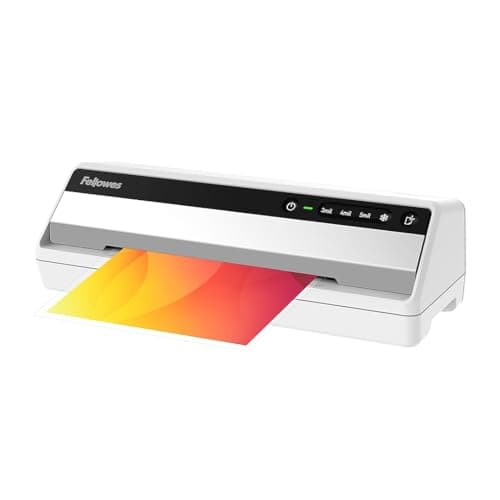
The Fellowes Saturn 3i 95 is the laminator we would buy for a sticker table because it has a cold setting. Run printed vinyl and a self-adhesive overlaminate through the rollers with the heat off and you get even, bubble free pressure without heating the vinyl. It also does standard 3 to 5 mil hot pouches. About $104 at the time of writing.

Buy it if you laminate more than a few sheets a week and want flatter, bubble free results than a squeegee, plus a hot mode for paper projects.

What we don't like

9.5 in entry width covers a letter sheet but not tabloid. It is a pouch laminator with a cold mode, not a roll laminator, so you feed one sheet at a time.
Best Overlaminate Sheets (Gloss)Best Value

Type

Clear self-adhesive (cold) laminate

Size

9 x 12 in

Count

50 sheets

Finish

Gloss

Cost per sheet

About $0.40

Pros

  • No machine needed
  • Covers a full letter sheet
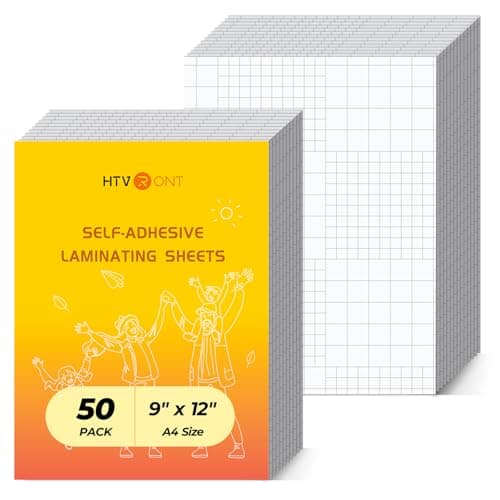
  • Grid on the liner helps with alignment

Cons

  • Bubbles if applied carelessly
  • Test your cut settings with the added layer

This is how most home sticker makers laminate. Print, let the ink dry, lay the overlaminate on, then cut. For bubble free results without a machine, use a squeegee or a trimmer's straight edge as a guide and work from one edge across, never from the middle out.

Best Value

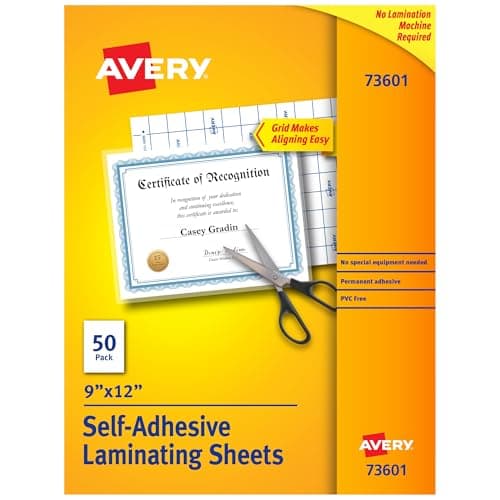
Most sticker makers do not need a machine at all. A clear self-adhesive sheet pressed over the printed sheet is the whole job, and Avery's 9 x 12 in sheets (about $20 for 50, so 40 cents a sheet at the time of writing) are big enough to cover a full letter sheet with margin to spare.

Buy them if you make stickers in small batches, want gloss, and are fine applying by hand or with a cold laminator.

What we don't like

Hand application takes practice to avoid bubbles. Thicker films can be harder for some cutting machines to cut through cleanly, so run a test cut first.

Best Matte Overlaminate

Type

Clear self-adhesive (cold) laminate

Thickness

3 mil (per listing)

Size

9 x 12 in

Count

100 sheets (2 x 50)

Finish

Matte

Cost per sheet

About $0.37

Pros

  • Low glare, hides fingerprints
  • Covers a full letter sheet
  • Cheaper per sheet than the gloss 50 pack

Cons

  • Mutes color slightly
  • Bulk pack

Gloss or matte is an art decision, not a durability one. Both protect the print. Gloss makes colors pop; matte reads as more premium on paper goods and photographs better under bright lights at a market table.

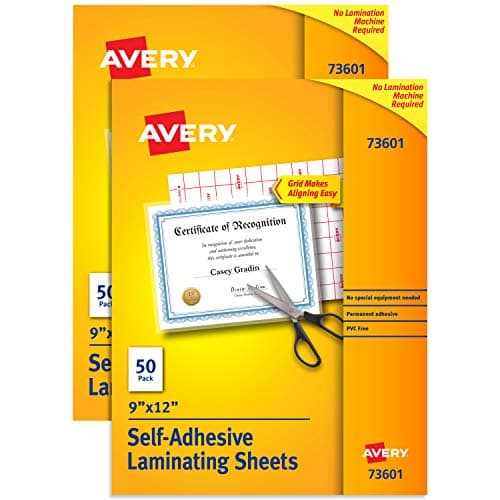
Matte cuts glare and hides fingerprints, and it is the finish many sticker artists use on planner and journal stickers you can write on. This Avery listing is 100 sheets (two boxes of 50) at 3 mil for about $37 at the time of writing, about 37 cents a sheet.

Buy it for planner stickers, art with dark areas that show glare, or a softer look than gloss.

What we don't like

Matte slightly mutes saturated colors compared with gloss. Sold as a two box pack.

Austin Art Insider

Free weekly guide to galleries, exhibitions & collecting in Austin.

Best Budget Laminating SheetsBudget Pick

Type

Clear self-adhesive (cold) laminate

Thickness

4 mil (per listing)

Size

9 x 12 in

Count

50 sheets

Cost per sheet

About $0.28

Pros

  • Lowest cost per full size sheet here
  • Thicker film feels sturdy
  • Known craft brand

Cons

  • Thicker layer to cut
  • Gloss only in this pack

On a 50 sheet run, the HTVRONT sheets save about $6 over the Avery gloss pack. That adds up if you sell stickers. Do a test kiss cut on scrap after you laminate, since the cutting machine now has to get through laminate, vinyl face and adhesive without cutting the liner.

Budget Pick

HTVRONT is a craft vinyl brand Cricut owners will know, and its 4 mil, 9 x 12 in cold laminating sheets cost about $14 for 50 at the time of writing. That is about 28 cents a sheet, the cheapest per sheet of the full letter size options here.

Buy them if you laminate in volume and want the lowest cost per sheet in a full 9 x 12 in size.

What we don't like

4 mil is thicker than Avery's 3 mil, which is sturdier but adds more for your blade to cut. Adjust pressure and test.

Best Matte Laminate for Printable Vinyl

Type

Clear self-adhesive (cold) laminate

Size

A4, 8.26 x 11.69 in

Count

28 sheets

Finish

Matte

Cost per sheet

About $0.54

Pros

  • Sold for printable vinyl stickers
  • Matte finish
  • Craft vinyl brand

Cons

  • Narrower than letter
  • Higher cost per sheet

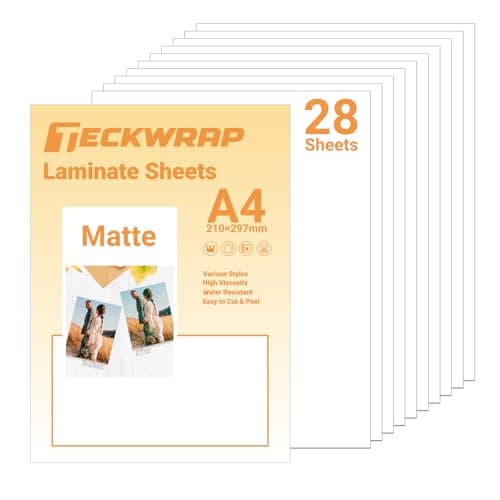
Your laminate only needs to cover the area you print and cut. Cricut's help center lists the current Print Then Cut maximum on a letter sheet at about 7.44 x 9.94 in, and the cuttable area is not a full rectangle. An A4 laminate covers that comfortably. Compare cutters in our Cricut vs Silhouette Cameo 5 guide.

TECKWRAP markets these specifically as a clear overlaminate for printable vinyl, sticker paper and labels, in matte. A4 size (8.26 x 11.69 in), 28 sheets, about $15 at the time of writing, about 54 cents a sheet.

Buy them if you print on A4 sticker vinyl, or if your sticker layout stays inside your cutter's print area so a slightly narrow sheet does not matter.

What we don't like

A4 is about 1/4 in narrower than US letter, so it will not cover the full width of an 8.5 in sheet. Highest cost per sheet of the clear options.

Best Holographic Overlaminate

Type

Holographic self-adhesive (cold) laminate

Size

A4

Count

25 sheets

Patterns

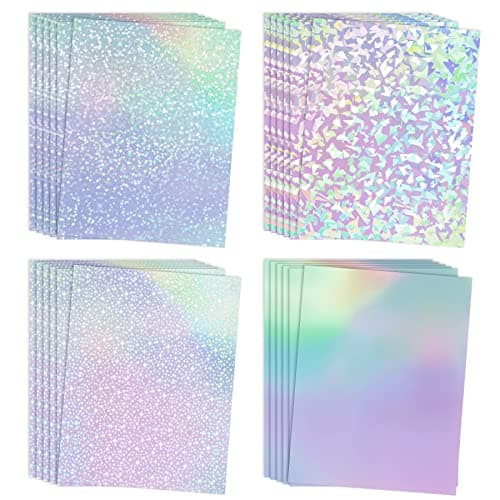
Gem, dot, rainbow, star (per listing)

Cost per sheet

About $0.40

Pros

  • Instant premium look
  • Same cost per sheet as clear Avery gloss
  • Several patterns

Cons

  • Can overwhelm detailed art
  • A4 width

Holographic stickers often sell for more at markets than plain gloss, and the laminate costs the same 40 cents a sheet. Test a sheet over your darkest and lightest art first; the effect shows most over light areas and white.

Holographic overlaminate is the cheapest way to make a sticker look premium. Koala's A4 sheets come in gem, dot, rainbow and star patterns, 25 sheets for about $10 at the time of writing, 40 cents a sheet.

Buy them for a premium sticker line, limited editions, or a holographic upcharge at markets.

What we don't like

The pattern sits over your art and can busy up detailed designs. A4 size, so it is slightly narrower than letter.

Best Budget Thermal Laminator (Paper Projects)

Type

Thermal pouch laminator

Entry width

9 in (3M)

Pouch thickness

3 and 5 mil (3M)

Warm-up

About 5 minutes (3M)

Speed

About 15 in per minute (per listings)

Pros

  • Low price from a major brand
  • Takes common 3 and 5 mil pouches
  • Good for bookmarks and signs

Cons

  • Slow warm-up
  • No cold mode
  • Not for printable vinyl

Why pouches and stickers do not mix: a thermal pouch is two layers of film sealed around the item, so a sticker sheet comes out sealed front and back, liner included, and you can no longer peel the stickers. Some crafters split a pouch and run only the top half through with a paper sticker sheet; it can work on paper, but on vinyl the heat can curl the liner or make edges lift, which is why we recommend cold methods for vinyl stickers. Pouches like Scotch 3 mil letter pouches (about $16 for 100) are cheap for paper projects.

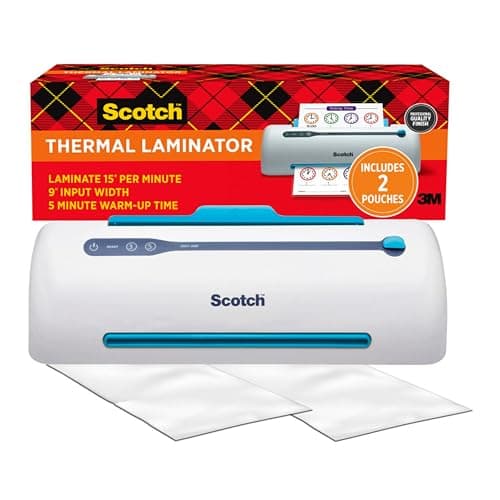
A thermal pouch laminator is the wrong tool for most stickers, but the right one for the paper goods sticker sellers also make: bookmarks, art cards, price signs and table menus. Scotch's TL906 takes 3 and 5 mil pouches up to 9 in wide for about $50 at the time of writing.

Buy it if you also sell laminated bookmarks or need durable signage for your market table, and you already have a cold method for your stickers.

What we don't like

3M lists a warm-up of about 5 minutes. A pouch seals both sides, so it encapsulates the sticker liner too. Heat can curl or lift printable vinyl.

Best Manual Roll Laminator for Volume

Type

Manual hand crank cold roll laminator

Width

29.5 in (per listing)

Power

None (manual)

Max thickness

10 mm (per listing)

Pros

  • Handles roll laminate and wide prints
  • No electricity, no heat
  • Fast once set up

Cons

  • Bulky
  • Overkill for letter sheets
  • Fiddly setup

Roll laminate is where the cost per sticker drops furthest, but only if you print enough to use it. For most shops making under a few hundred stickers a month, sheets and a cold mode laminator are simpler. If you are moving to wide format, see our large format printers guide.

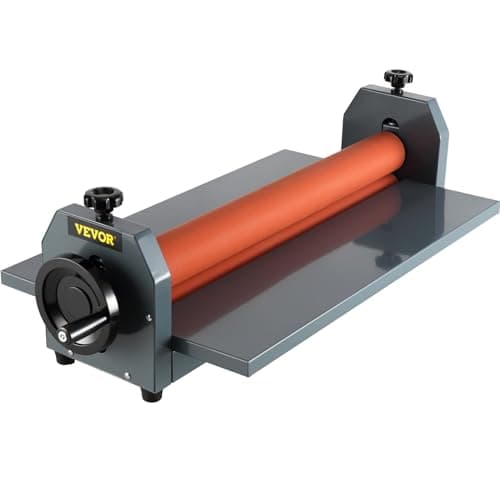
When you outgrow sheets and start buying overlaminate on rolls, a hand crank cold roll laminator is the next step. VEVOR's 29.5 in machine handles wide prints and roll laminate with no power at all, for about $106 at the time of writing.

Buy it if you print stickers on a wide format printer or laminate several letter sheets side by side, and you have bench space for it.

What we don't like

Large and heavy for a home desk. VEVOR is a general tool brand, not a laminator specialist, and setup takes some fiddling with roller pressure.

Head-to-Head

How the top picks compare

The first choice every sticker maker faces.

Cold Laminator vs Thermal Pouch Laminator

Cold presses a pressure sensitive film onto the print. Thermal melts a pouch around it.

Fellowes Saturn 3i 95 (cold mode)

Fellowes

Winner

Fellowes Saturn 3i 95 (cold mode)

Laminates vinyl stickers without heat, and does hot pouches too

$103.99
Check Price →
Scotch PRO TL906

Scotch (3M)

Scotch PRO TL906

Cheap hot pouch laminating for paper goods

$49.99
Check Price →

Our verdict

Winner: Fellowes Fellowes Saturn 3i 95 (cold mode). For stickers, cold wins. A cold setting lets you roll self-adhesive laminate onto printable vinyl without heat that can curl or lift it, and without sealing the sticker liner. The Scotch is fine for bookmarks and signs, and the Fellowes does those too in hot mode, so it covers both jobs for about $54 more.

Buy the Fellowes

you laminate vinyl or paper stickers and want one machine for everything.

Buy the Scotch (3M)

you only laminate paper goods and already apply sticker laminate by hand.

How we
chose

We did not run these through our own printer. We compared them the way a sticker seller would on paper:

  • Cold first. Because most home stickers are inkjet printed vinyl, we favored cold, pressure sensitive methods and recommend heat only for paper projects.
  • Specs from the maker. Laminator modes, widths, warm-up times and pouch thicknesses come from Fellowes and 3M documentation, or from listings where noted. Sheet sizes, counts and thicknesses come from the product listings and are marked "per listing."
  • Real cost math. Cost per sheet and per sticker use live Amazon prices divided by the sheet count. Prices move, so rerun the math when you buy.
  • Credible brands. We favored Fellowes, Scotch, Avery and established craft brands. Holographic laminate is sold mostly by smaller craft brands, so we included one, not five.
  • Verified listings. Every product was checked live on Amazon on October 17, 2026.

Share this guide

Share

Common Questions

Frequently Asked Questions

Have art
to sell?

Austin Gallery specializes in selling inherited art, estate collections, and fine art with zero upfront fees. Get a free evaluation today.