Deciding between The Frame and its closest rival first? Read our Samsung Frame vs LG StanbyME 2 review.
In This Article
- What Makes a Frame TV Mount Different
- Quick Comparison: Every Mount at a Glance
- Detailed Reviews
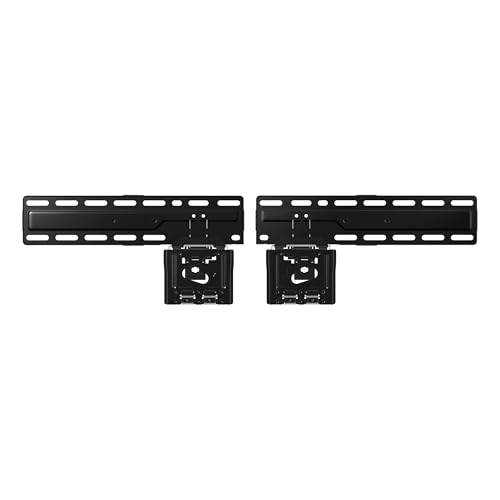
- Best Truly-Flush: Samsung Slim Fit Wall Mount
- Samsung Slim Fit Wall Mount (WMN-H50EB/ZA, 42"-85")
- Best Slim Universal: Echogear Slim Wall Mount
- Echogear Slim Wall Mount
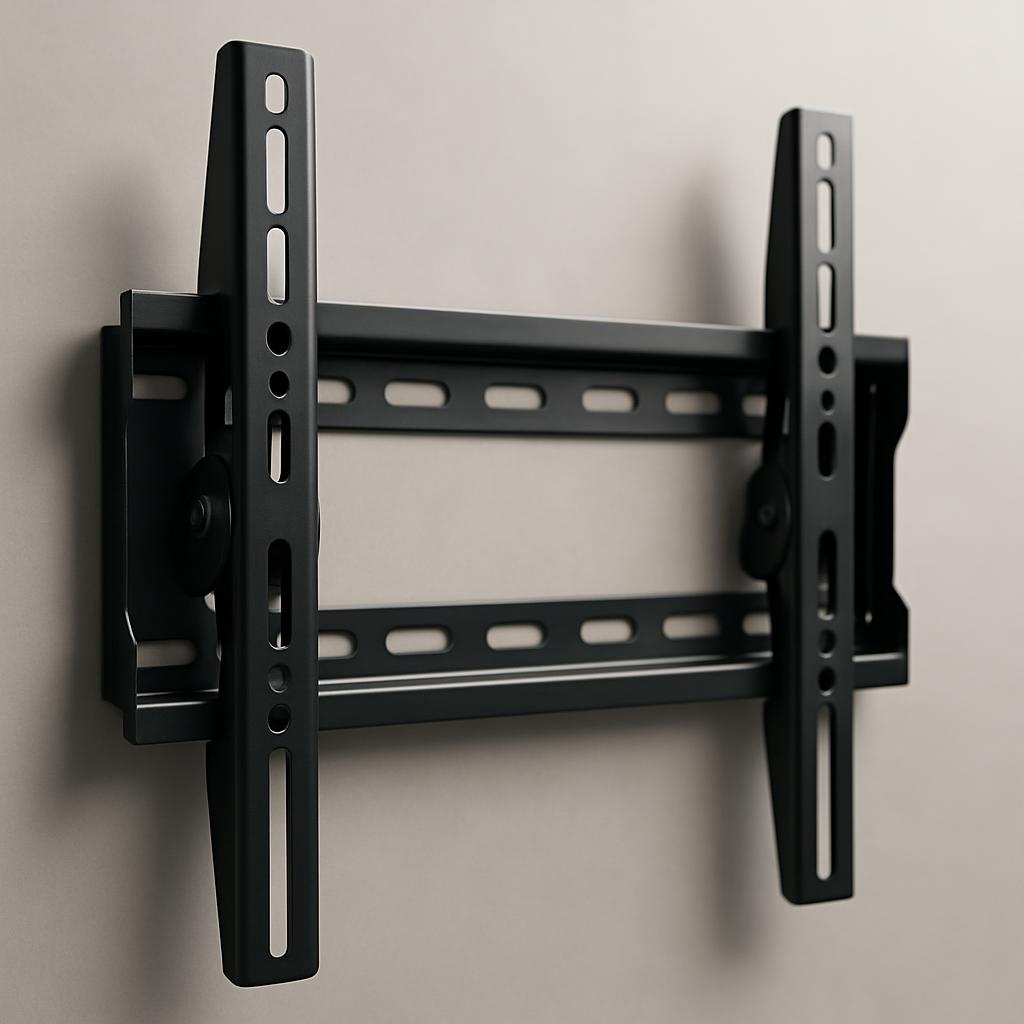
- Best Tilt: Mounting Dream Tilting Mount
- Mounting Dream Tilting TV Wall Mount (37-90 inch)
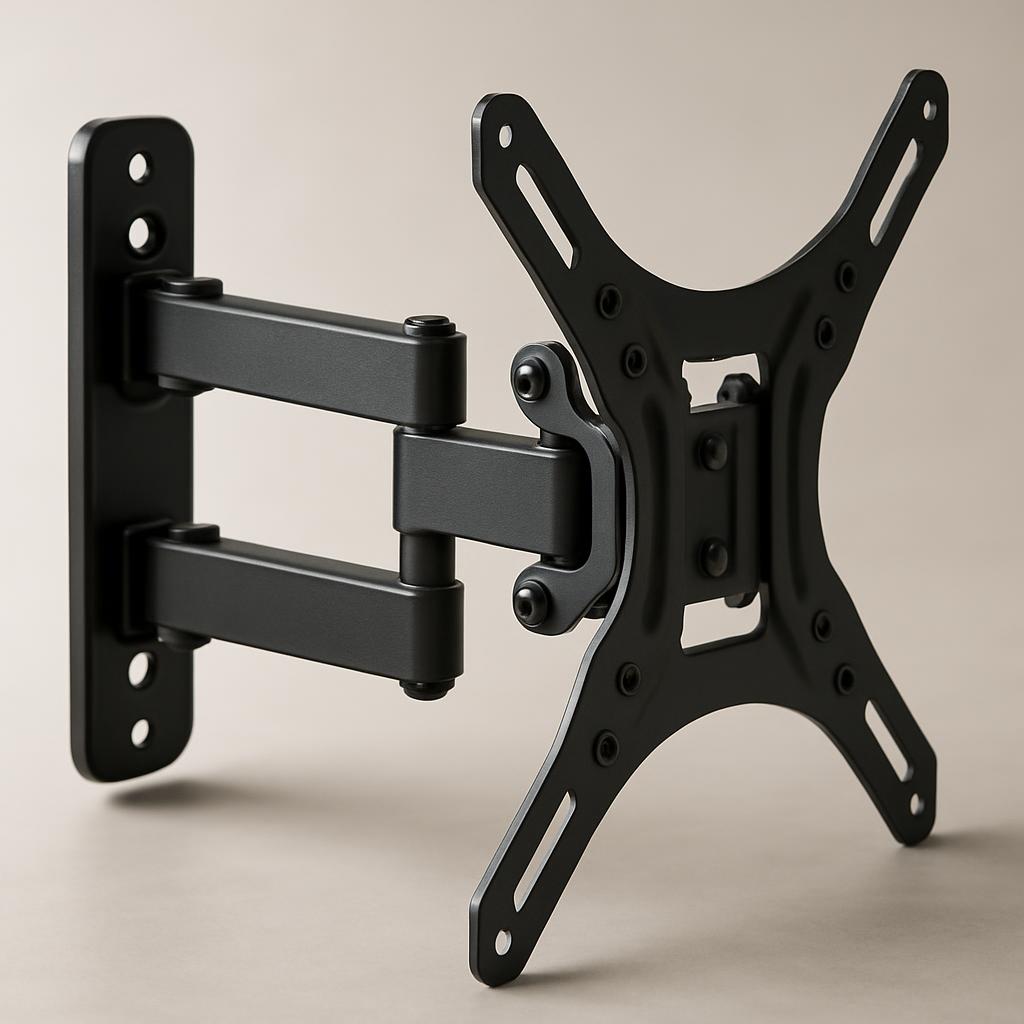
- Best Articulating (Pull and Swivel): VIVO Full-Motion Mount
- VIVO Articulating TV Mount 32-Inch
- Budget Flush: Mount-It Low-Profile
- Mount-It Low-Profile Wall Mount
- Slimmest Universal: Perlegear Ultra Slim 0.3" Mount
- Perlegear Ultra Slim TV Wall Mount (0.3", 43-86 inch)
- Heavy-Use Kitchen: USX Mount Full-Motion
- USX Mount Full-Motion TV Wall Mount (32-70 inch)
- How to Choose: A Decision Tree
- Frequently Asked Questions
- Will any wall mount work with Samsung's One Connect cable?
- Can I install a Frame TV mount on drywall without studs?
- How much does mounting a Frame TV cost in installation?
- Should I mount the Frame above the fireplace?
- What VESA pattern does the 32" Frame use?
- Can I use a tilt mount and still get the no-gap look?
- Does the bezel come off and on cleanly with all these mounts?
- The Verdict
Key Takeaways
- Best Overall (truly flush): Samsung Slim Fit Wall Mount — Samsung's own flush mount for 42" to 85" Samsung TVs, the one The Frame was designed around.
- Best Slim Profile (universal): Echogear Slim Wall Mount — ¾" gap, fits Frame and other TVs.
- Best Tilt: Mounting Dream Tilting Mount — downward tilt for kitchens and high mounts, fits 37" to 90" TVs.
- Best Articulating: VIVO Full-Motion Mount — pull and swivel for kitchens and corners.
- Skip: Cheap unbranded mounts under $25. The Frame's sub-flush trick fails completely with the wrong mount.
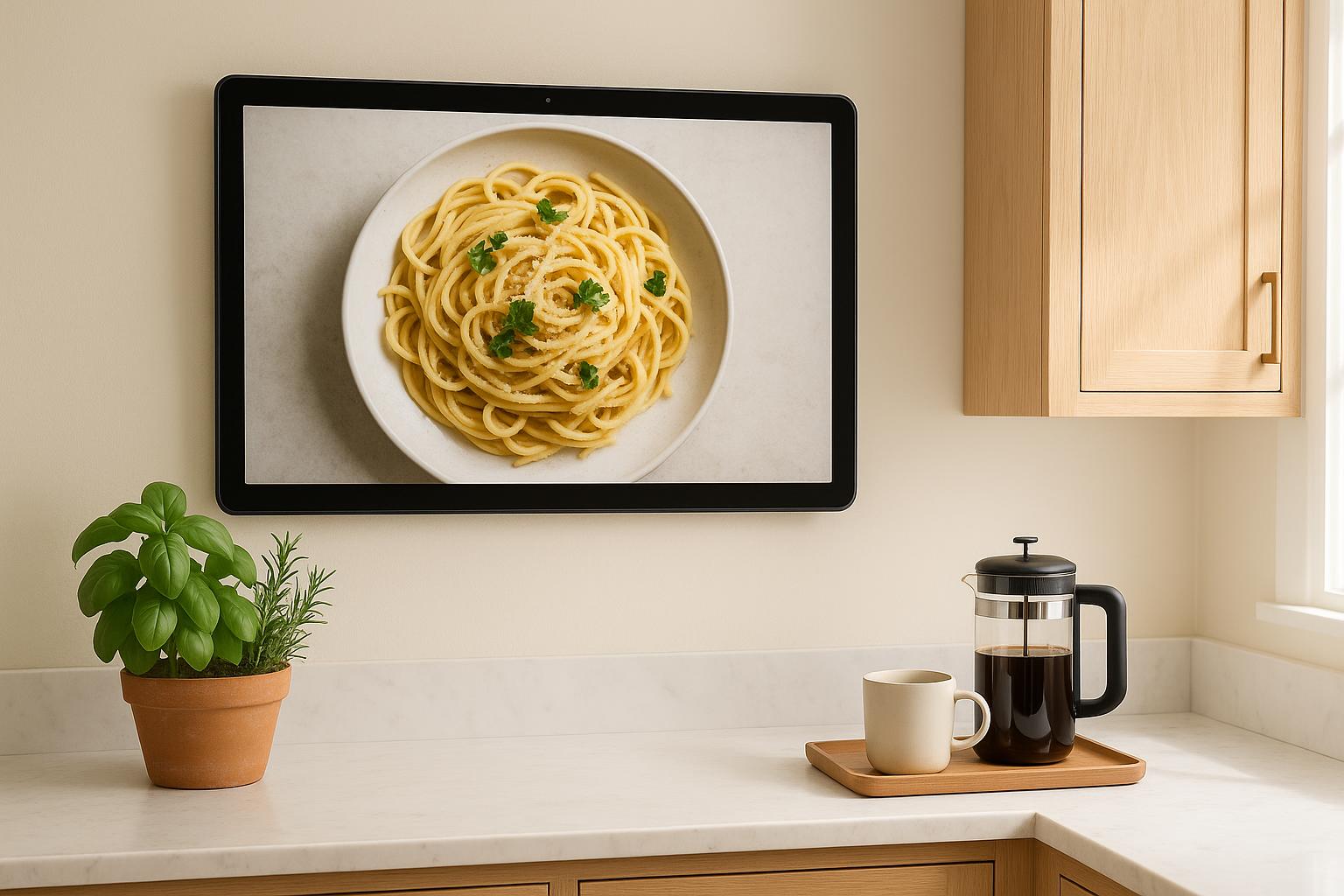
Samsung's Frame TV is supposed to look like a framed print on the wall. The wrong mount turns it into a TV-with-a-frame-around-it — sticking out an inch from the wall, casting a shadow, ruining the entire premise. The right mount holds the panel flush enough that, from a few feet back, it really does read as art.
We ranked seven wall mounts on manufacturer-stated wall gap, VESA support, weight rating, and Frame compatibility, cross-checked against owner reports. Here are the ones that get the illusion right, including budget options that hold up, plus the ones we'd skip.
Here are the ones that get the illusion right, including budget options that hold up, plus the ones we'd skip.
What Makes a Frame TV Mount Different
Three things matter for a Frame mount that a generic TV mount doesn't address:
- Wall gap. Standard slim mounts hold a TV ~1" off the wall. The Frame's no-gap design assumes ¼" or less. Anything more and the illusion collapses.
- Cable management. The Frame uses Samsung's "One Connect" thin cable instead of HDMI + power. The mount should route this cleanly — many generic mounts have channels for fat HDMI cables that look wrong with the One Connect.
- Bezel clearance. The Frame's swappable magnetic bezels are part of the look. The mount can't interfere with bezel attachment or the magnetic strip.
Samsung sells its own Slim Fit Wall Mount for The Frame and its other 42" to 85" TVs, and it is the flush reference every other mount here gets measured against. It only fits Samsung TVs. The universal options below get within a third of an inch of the wall for less money, or add the features (tilt, articulation) Samsung's mount does not offer.
Quick Comparison: Every Mount at a Glance
| Mount | Wall Gap | Tilt | VESA | Best For | Price |
|---|---|---|---|---|---|
| Samsung Slim Fit | Flush | None | Samsung 42"-85" | Truly flush install | ~$140 |
| Echogear Slim | ~19mm | None | 200×200 | Slim universal | ~$45 |
| Mounting Dream Tilting | Low profile | Tilt | 37"-90" TVs | Kitchen / high mount | ~$30 |
| Mount-It Low-Profile | ~25mm | None | 200×200 | Budget flush | ~$28 |
| VIVO Articulating | 75–460mm | 15° + swivel | 200×200 | Pull-and-tilt | ~$55 |
| USX Mount Full-Motion | Extends | Tilt + swivel | 32"-70" TVs | Heavy use kitchens | ~$30 |
| Perlegear Ultra Slim | ~0.3" | None | 43"-86" TVs | Slimmest universal | ~$25 |
Detailed Reviews
Best Truly-Flush: Samsung Slim Fit Wall Mount
Samsung Slim Fit Wall Mount (WMN-H50EB/ZA, 42"-85")
$140
Samsung's official flush mount for its 42" to 85" TVs, including The Frame. The panel sits flat to the wall the way the Art Mode marketing photos show it, because this is the mount those photos were shot on.
View on Amazon
Check Current PriceIf your goal is "make this TV invisible against the wall," Samsung's own Slim Fit mount is the right answer. It is built for the Frame's mounting points rather than generic VESA, so the panel sits flush instead of floating on a bracket, and the One Connect cable has a place to go.
Installation is the standard sequence: wall plate to studs, brackets to TV, hang. Check the size range against your exact Frame model before ordering; Samsung sells a separate Slim Fit mount for its 98" and 100" sets.
Why it wins: Truly flush. The Frame finally looks like art instead of a TV.
The catch: No tilt. If you're mounting high (above a fireplace, above a cabinet), the picture will look angled-down at viewer eye level. Use the Mounting Dream tilt mount below for those installs.
Best Slim Universal: Echogear Slim Wall Mount
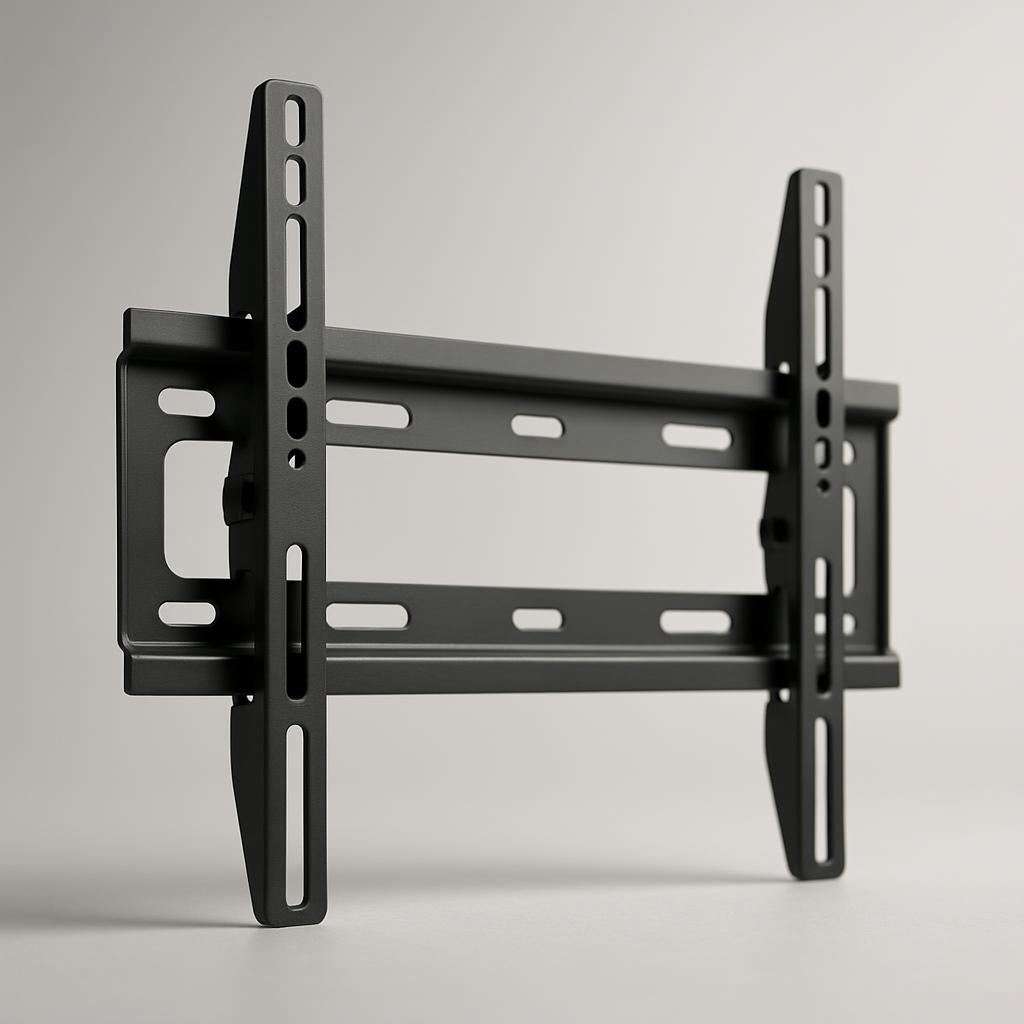
Echogear Slim Wall Mount
$45
Universal slim mount that holds the Frame about ¾" off the wall. Not as flush as Samsung's own mount, but a fraction of the price and works with non-Frame TVs too.
View on Amazon
Check Current PriceFor roughly a third of the Samsung mount's price, the Echogear holds the Frame about 19mm off the wall instead of flush. From across a room, you won't notice the difference. From three feet, you will. So pick by viewing distance.
The bigger argument for Echogear: it's a universal mount. If you ever upgrade to a non-Frame TV, this mount comes with you. The Samsung mount is Samsung-only.
Why it wins for budget: Slim profile, real build quality, fits anything. We've recommended it for general TV mounts in our kitchen TV guide.
The catch: ¾" off the wall is more than the Samsung mount delivers. The "frame around art" illusion takes a small hit.
Best Tilt: Mounting Dream Tilting Mount
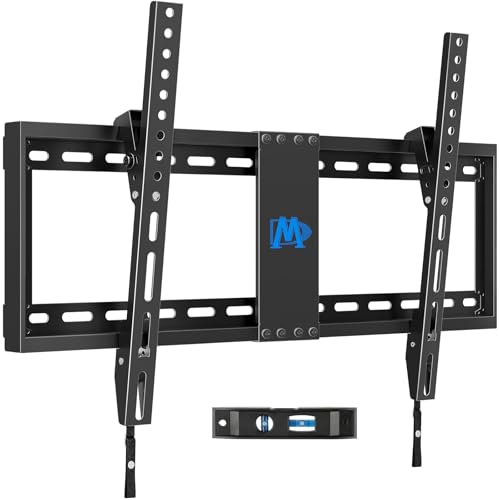
Mounting Dream Tilting TV Wall Mount (37-90 inch)
$30
Downward tilt, rated for 37" to 90" TVs up to 132 lbs. The right answer if the Frame is going above eye level — fireplace mantle, kitchen high mount, above a buffet.
View on Amazon
Check Current PriceIf your Frame is going above eye level, you want tilt. Without it, you're looking at the picture from below — which means the geometry of paintings (especially landscapes and portraits) gets distorted, and Art Mode loses some of its effect. The Mounting Dream tilts downward, which is enough for most above-eye-level installs, and its 37" to 90" range covers every Frame size except the 32".
The tradeoff: tilt mounts hold the TV farther off the wall than a fixed slim mount. The flush look is gone. So this is the mount for utility installs (kitchens, hallways), not gallery walls.