Screen
16 in, 2560 x 1600, fully laminated
Color gamut
99% sRGB, 97% Adobe RGB, 99% DCI-P3
Surface
Anti-glare, anti-fingerprint etched glass
Pen
X3 Pro, battery-free, 16,384 levels, 60 degree tilt
Controls
Wireless shortcut remote
Stand
Built-in foldable stand
Weight
About 1.79 kg
Warranty
18 months (XP-Pen US store)
Pros
- About $200 less than the Cintiq 16
- Fully laminated QHD panel, same resolution as the Cintiq
- 16,384 pressure levels, twice Wacom's figure
- Shortcut remote and stand included
- Longer warranty than Wacom's one year in the US
Cons
- Driver polish trails Wacom
- Smaller pen and accessory ecosystem
- Warranty terms can vary by seller
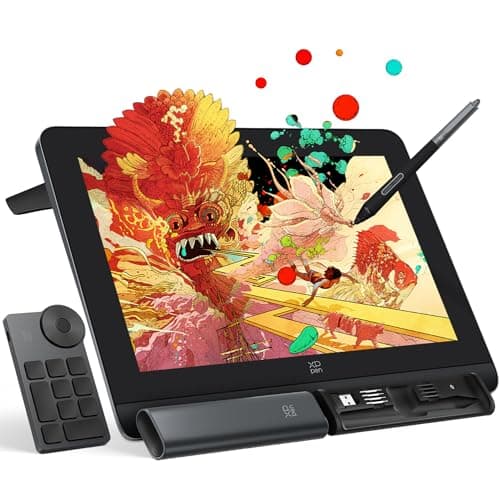
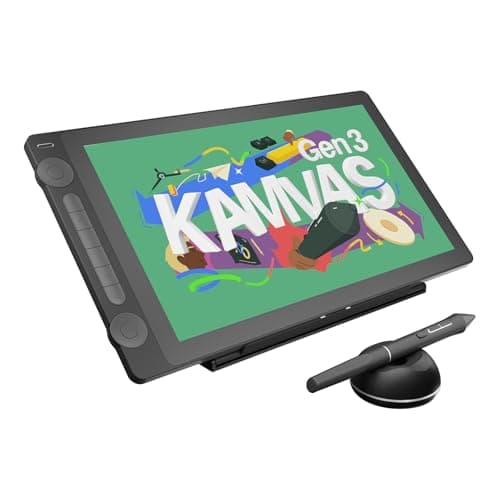
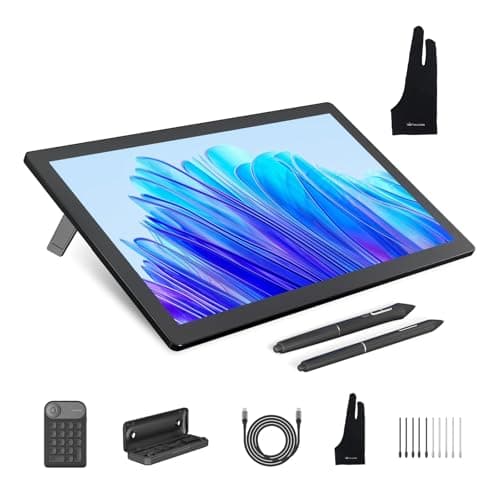
On the spec sheet, the XP-Pen Artist Pro 16 Gen 2 is the better display, and at $499.99 against $699.95 it is also the cheaper one. Both have a 16 inch 2560 x 1600 panel. XP-Pen lists 99% sRGB, 97% Adobe RGB, and 99% DCI-P3 coverage; Wacom lists 100% sRGB and 99% DCI-P3. Both are laminated or bonded to cut parallax, both have etched anti-glare glass, and both pens are battery-free with 60 degrees of tilt. XP-Pen adds a wireless shortcut remote and a built-in stand, and weighs about 1.79 kg to the Cintiq's 2.0 kg.
Where Wacom still earns its premium is software. XP-Pen's drivers have improved a great deal, but studios that run on specific Photoshop, Toon Boom, or Blender setups on managed machines still standardize on Wacom because updates rarely break it. If you are one artist on your own computer, that risk is small and the $200 is real. It sits alongside the Cintiq 16 in our best pen displays guide.
Our Pick
The Artist Pro 16 Gen 2 wins for most artists because it matches the Cintiq 16's screen and beats it on paper for about $200 less at the time of writing. XP-Pen lists a 16 inch 2560 x 1600 fully laminated panel with 99% sRGB, 97% Adobe RGB, and 99% DCI-P3 coverage, the battery-free X3 Pro pen at 16,384 pressure levels with 60 degrees of tilt, a wireless shortcut remote in the box, and an 18-month warranty on US store purchases.
Buy it if you are a hobbyist, student, or freelance illustrator who wants a QHD, wide-gamut pen display without paying the Wacom premium, and you work in mainstream desktop apps such as Photoshop, Clip Studio Paint, or Krita.
What we don't like
Drivers are good but not Wacom-level across every app and OS update, which matters most in studio pipelines. The pen ecosystem is smaller, with fewer alternate pens and nibs. And XP-Pen's warranty length can differ outside its own store, so check the terms for an Amazon purchase.